


Games > Turba

Buy directly from Steam or try a free demo on the Steam store page
Critical Reception
EuroGamer 8/10
"With numerous unlockables and online leaderboards to fight it out on, this is a fine first attempt from developer Binary Takeover, and well worth losing a few hours to."GamerNode 4/5
"You’re guaranteed to keep returning for more, and listening to your favourite soundtrack as you play makes the whole Turba experience worthwhile."About.com 4/5
"Not only is Turba an addictive puzzler with plenty of style, but it also manages to have an incredibly wide appeal, playable by both hardcore puzzle fans and more casual players."Gamespot 7/10
"Turba's pleasant, beat-based block matching is good, rhythmic fun."MMGN 8.8/10
"Turba makes listening to music a truly fun and worthwhile experience."General
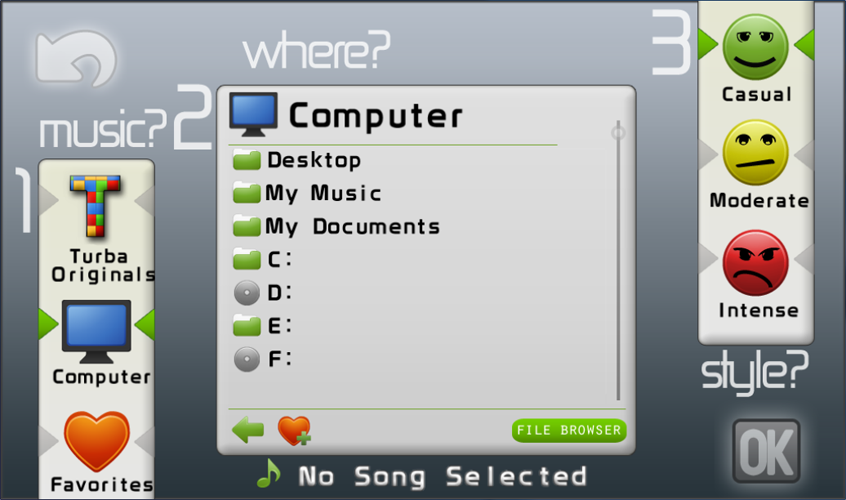
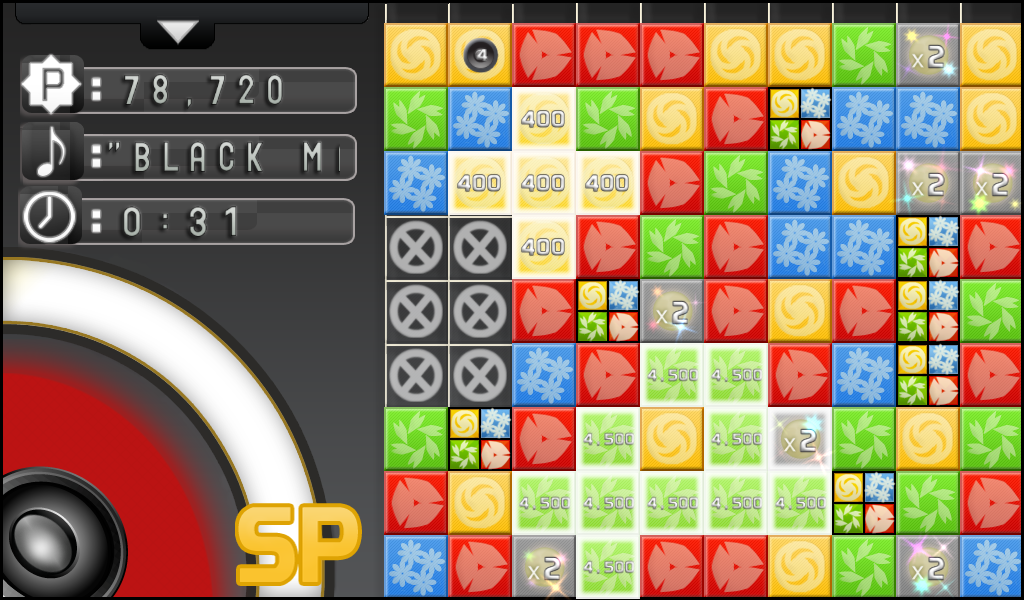
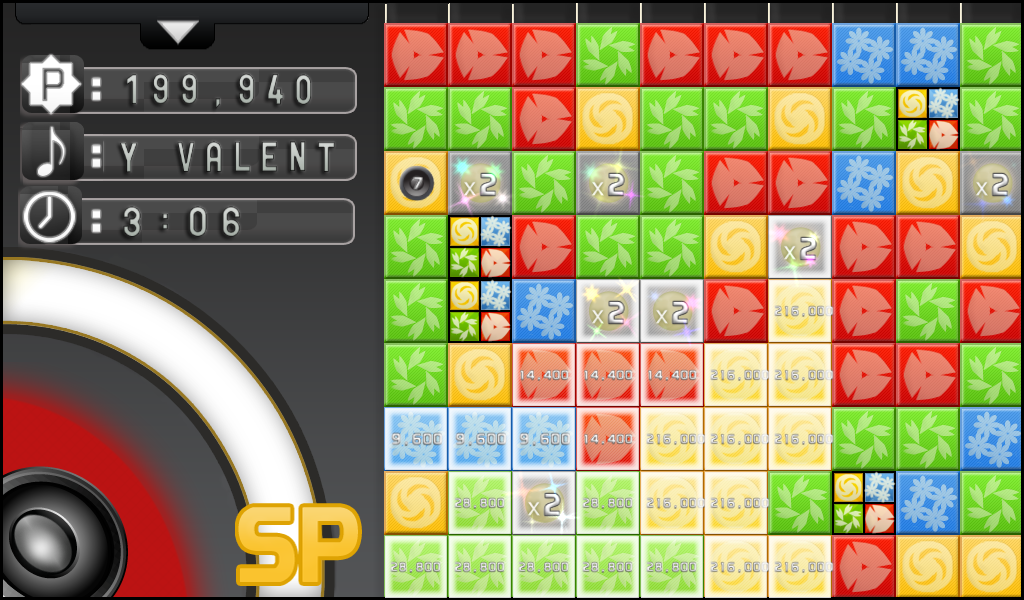
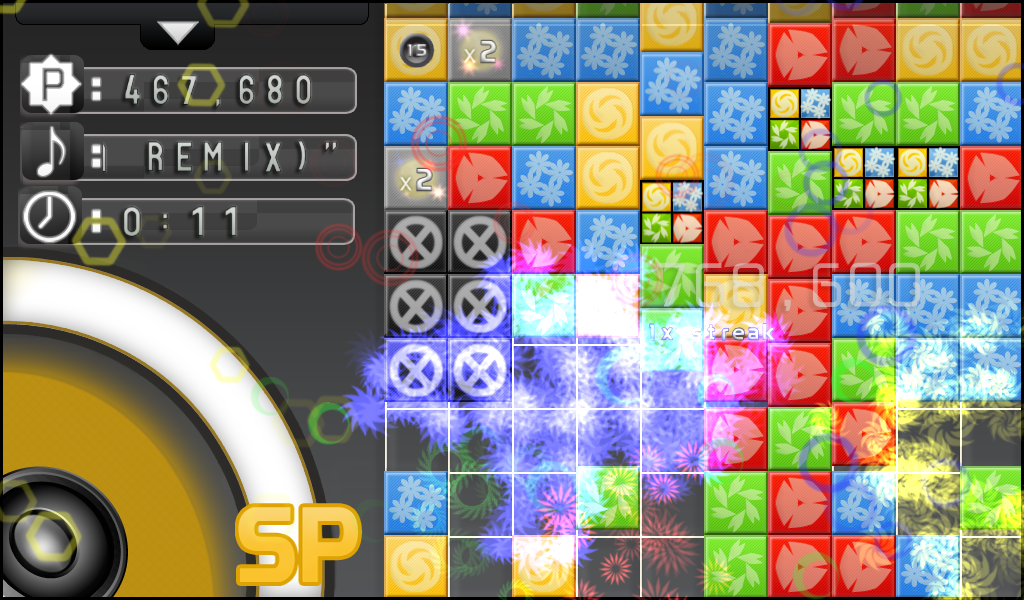
Turba is a puzzle rhythm game that is currently available for the PC. Music is the main focus of Turba, it dictates how each song will be experienced. You will start with a screen of blocks and you need to match at least 3 or more similar to bejeweled. The difference is that in bejeweled you can only swap jewels whereas in Turba you can select certain blocks over others. So if you are skilled enough you can make huge custom combos every time. The music denotes which blocks will spawn next, this creates a different experience for every song.
FAQs
What is Turba?
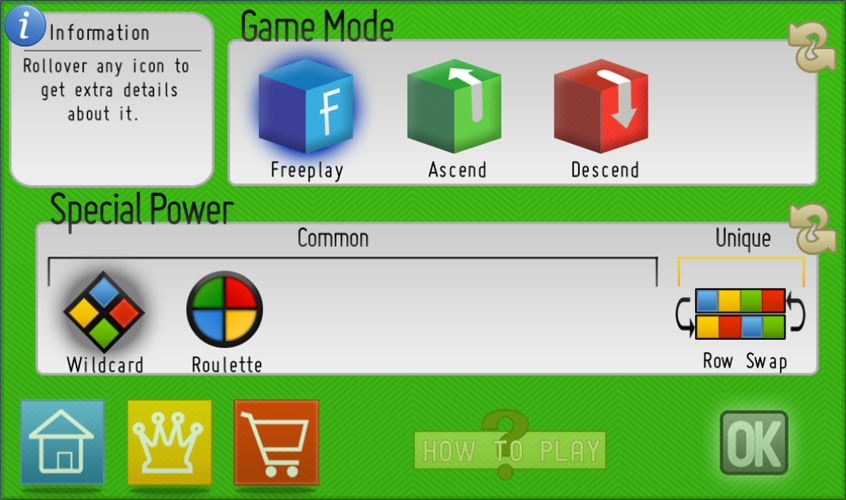
Turba is a puzzle game that is influenced by the music the player chooses. The game consists of 4 colors that can be made into combos of 3 or more. Combos can be made anywhere on the board at anytime, but the player is limited to one combo of each color at a time. There are several different game modes in Turba, as well as a handful of special abilities to choose from to alter gameplay. Music affects the game differently in each mode, and there are some aspects, such as clearing on beat for more points, that are present in all modes.
What file types are supported?
Turba supports music in the form of MP3 (.mp3), FLAC (.flac), Ogg (.ogg), WMA (.wma), CD Audio (.cda), Monkey's Audio (.ape), WavPack (.wv) and Musepack (.mpc).
Are there online capabilities?
There is currently no multiplayer in Turba, but certain game modes will have online leader boards for every song you play. This means you can compete with the world or just your friends for the top spot on your favorite songs.
What's different?
Turba will seamlessly fuse together the puzzle and rhythm genres into one cohesive and easy to play game. I feel the problem with most puzzle games is how mindless most of them are. In Turba the combo system actually makes the players think about their next move.
Media
Turba Debut Trailer HDTurba Gameplay Video #2 HD *Beta build shown
Turba - Ascend Gameplay *Alpha build shown